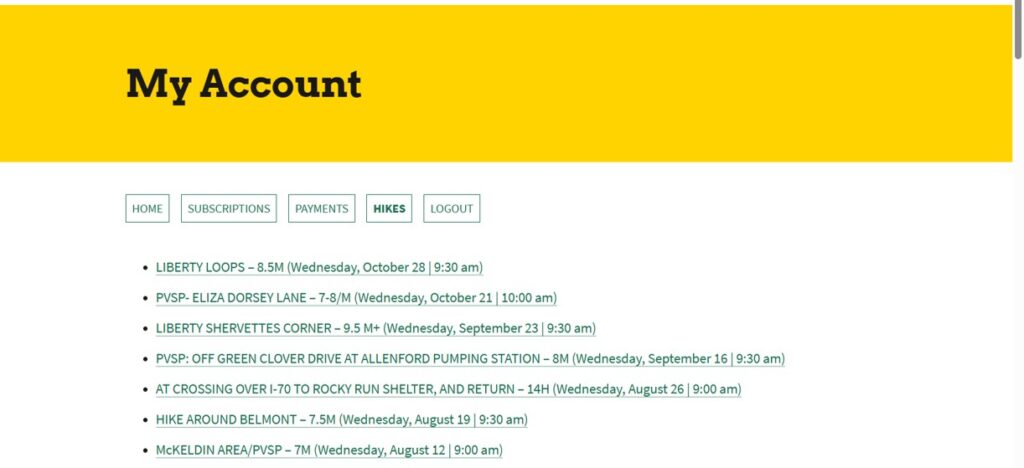
Your Mountain Club Account Information
After you have logged into your Mountain Club account, you can select the “Account” button to access the following information:
- Home: You can view and update your address, email, phone number, and member directory information.
- Subscriptions: You can view your Mountain Club membership over time and when your current membership expires.
- Payments: You can view your membership payments over time.
- Hikes: You can view your future and past hikes. If you will not be able to attend a future hike, you can click on the link for the future hike and change your RSVP to “Not Going”.
- Logout
Viewing Your Future and Past Hikes
You can now view your future and past hikes through the “Account” button after you have signed in to the website.
Log into https://www.mcomd.org
Select the “Account” button
Select the “Hikes” button
NOTE:
- You will see your future and past hikes displayed in descending order from future hikes to past hikes.
- Only hikes starting on January 1, 2023 or later are shown.
- If you are a hike leader, your hike will not appear in the listing (unless you RSVPed for the hike).